Project management tools
Project management for freelance designers
How freelance designers can track briefs, revisions, and feedback rounds across clients without losing momentum.

Freelance designers navigate a complex landscape of creative demands, client expectations, and business operations. Without a robust project management system, the artistic process can quickly become overshadowed by administrative burden. Effective project management is not merely about tracking tasks; it is about creating a clear framework that supports creativity, ensures client satisfaction, and sustains a profitable freelance practice.
For designers, a project management approach must account for iterative processes, subjective feedback, and visual deliverables. It needs to provide clarity on project scope, manage revision rounds gracefully, and integrate seamlessly with the design workflow. This guide outlines a practical framework for freelance designers to streamline their projects, maintain control, and focus more on the design craft.
01
Understanding the Unique Challenges for Designers
Freelance designers face distinct project management challenges that differ from other service providers. The work is often highly visual and subjective, requiring multiple feedback loops and iterations. Client briefs can be vague, and revisions may not always be clearly defined, leading to scope creep if not managed proactively. Designers also frequently manage multiple client projects simultaneously, each with its own brand guidelines, deadlines, and communication preferences.
These factors necessitate a project management system that prioritizes visual clarity, structured feedback, and flexible adaptation. It must be a tool that helps translate abstract ideas into concrete tasks and manage the ebb and flow of creative energy. Ignoring these unique aspects can lead to missed deadlines, client dissatisfaction, and an overwhelming workload. A tailored approach ensures that your project management tool supports, rather than hinders, your creative process.
- Vague initial briefs and evolving client requirements.
- Managing multiple revision rounds and feedback cycles.
- Translating visual concepts into trackable tasks.
- Balancing creative deep work with administrative overhead.
- Ensuring consistent brand application across projects.
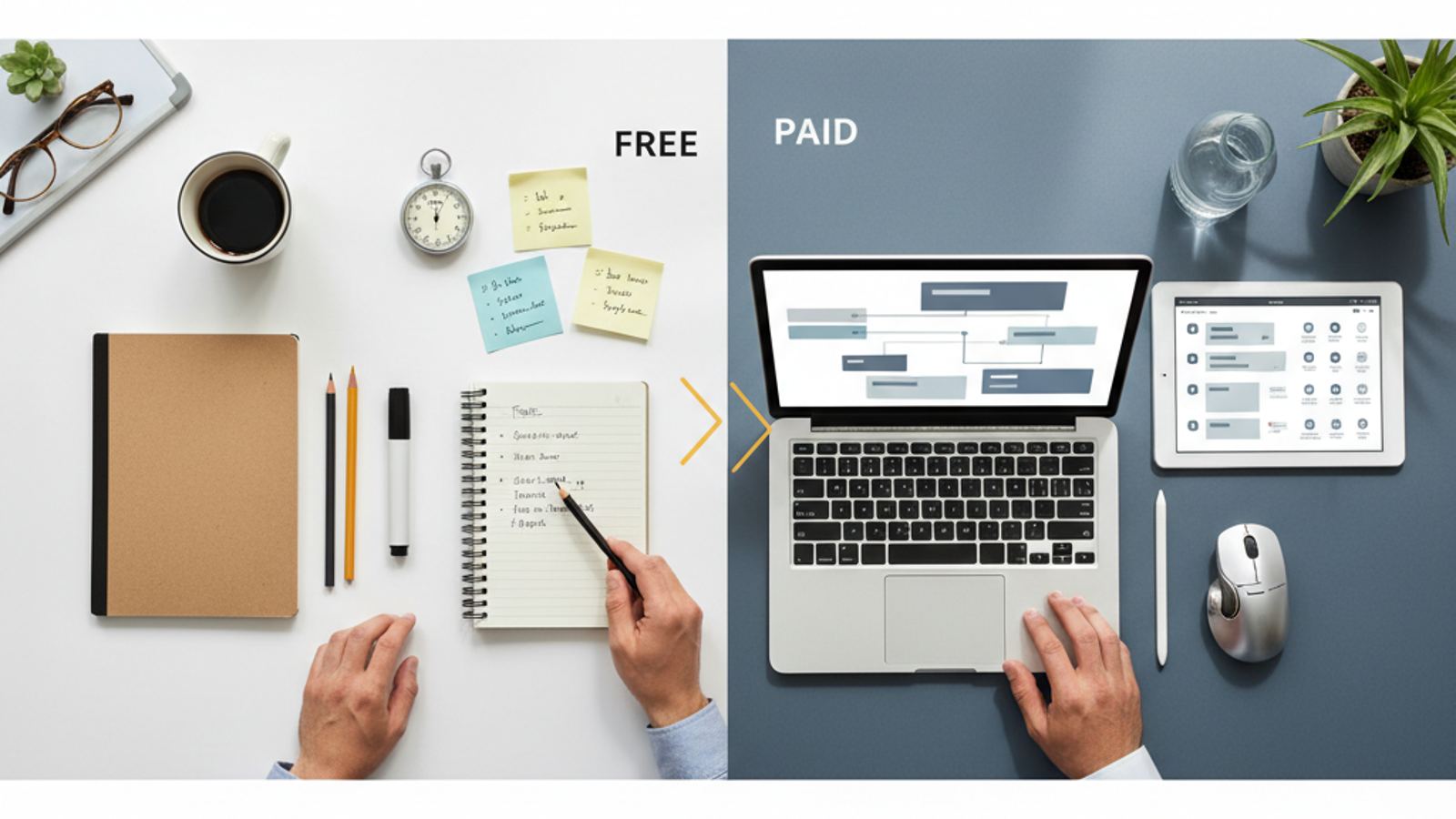
Before
Client feedback is scattered across emails and chat, design files are saved in various folders, and deadlines are a vague sense of urgency. The designer feels overwhelmed, constantly searching for information.
After
All client feedback is consolidated in the project task, design versions are systematically named and attached, and deadlines are clearly visible, allowing the designer to focus on creative work with confidence.
02
Structuring Your Design Projects
Every design project, from a simple logo to a full website, benefits from a structured approach. Start by clearly defining the project scope and deliverables during the client onboarding checklist for freelancers. Break down each deliverable into smaller, manageable tasks. For example, a website design might include tasks like 'wireframe homepage,' 'design hero section,' 'prototype contact form,' and 'prepare assets for developer handoff.'
Assign clear owners (even if it's always you) and due dates to each task. This granular breakdown provides a clear roadmap and helps in accurate time estimation and resource allocation. Using a freelance task tracker allows you to see the entire project lifecycle at a glance, ensuring no step is missed. Consistency in your project structure across all clients also simplifies your workflow and improves efficiency.
- Define project scope and deliverables upfront with clear boundaries.
- Break down large deliverables into smaller, actionable tasks.
- Assign clear owners and realistic due dates to each task.
- Attach all relevant assets, notes, and client communication directly to tasks.
- Utilize subtasks for intricate elements or design variations.
03
Leveraging Task Statuses for Design Workflow
Task statuses are crucial for visual workflow management, especially in design. Beyond 'to-do,' 'in progress,' and 'done,' designers benefit from statuses that reflect their specific iterative process. Consider statuses like 'brief received,' 'concepting,' 'first draft,' 'awaiting client feedback,' 'revising (round X),' 'final review,' and 'approved for delivery.' This provides transparency for both you and your client.
When a client provides feedback, update the task status to 'revising' and note the revision round. This helps track progress and manage client expectations regarding iterations. A Kanban board view, available in many simple project management tool for freelancers, is particularly effective for visualizing these stages. It allows you to drag and drop tasks as they move through your design pipeline, providing an instant overview of project velocity and bottlenecks.
- Implement design-specific task statuses like 'concepting,' 'awaiting feedback,' 'revising,' and 'approved'.
- Use a Kanban board for a visual representation of your design pipeline.
- Update statuses promptly to reflect the true state of a task.
- Track revision rounds directly within task notes or status updates.
- Ensure statuses communicate progress clearly to clients when applicable.
Step by step
- 1Define project scope and deliverables clearly.
- 2Break down projects into granular, design-specific tasks.
- 3Implement a visual workflow using tailored task statuses.
- 4Standardize client feedback and revision processes.
- 5Utilize priority settings and daily focus caps.
- 6Integrate AI to automate task creation and administrative elements.
- 7Conduct regular weekly reviews of all active projects.
04
Managing Client Feedback and Revisions
Client feedback and revisions are central to the design process. A common pitfall is unstructured feedback via email or scattered messages. Implement a standardized method for collecting feedback, such as annotated PDFs, a dedicated project management comment section, or specific review software. Always consolidate feedback and confirm understanding before commencing revisions.
Define the number of revision rounds in your initial contract to how to handle scope creep as a freelancer. Each revision round should be treated as a distinct phase with a clear objective. Document all feedback and subsequent changes within your project management system. This not only creates a clear audit trail but also prevents miscommunication and ensures all feedback is addressed. For crucial conversations, a quick summary of decisions in your project tool after a call can save significant time.
- Standardize client feedback collection using comments, annotations, or a dedicated platform.
- Clearly define the number of revision rounds in your contract.
- Document all client feedback and subsequent changes within your project management system.
- Consolidate feedback from multiple sources before starting revisions.
- Set clear deadlines for client feedback to keep projects on track.
Client Feedback Request Template
Subject: [Project Name] - Feedback Request for [Deliverable Name] - Round [Number]

Dear [Client Name],

Hope you are well.

I have completed the [Deliverable Name] for the [Project Name] project. You can review the files here: [Link to Files / Project Management System Task].

Please provide your feedback directly within the [mention your preferred method: 'comments section of the task,' 'annotated PDF,' 'specific review tool'] by [Date] at [Time]. This will allow me to incorporate your revisions and keep the project on track.

As per our agreement, this constitutes revision round [Number] of [Total Number] agreed rounds. If you have any questions while reviewing, please let me know.

Best regards,

[Your Name]
05
Prioritization and Capacity Management
Freelance designers often juggle multiple projects, making effective prioritization essential. Use an Eisenhower Matrix within your project management tool to categorize tasks by urgency and importance, helping you focus on high-impact work. Implement daily focus caps, such as three major and twelve minor tasks, to prevent overload and ensure consistent progress across all client work. This also helps in setting realistic expectations for yourself.
Regularly review your workload to ensure you are not overcommitting. Tools that offer a dashboard or workload view can help you see your current capacity and future commitments, aiding in capacity planning for freelancers. Understanding your true capacity allows you to decline new projects politely or reschedule existing ones without compromising quality or increasing stress. This proactive approach helps avoid burnout and maintain a sustainable work pace.
- Utilize an Eisenhower Matrix to prioritize tasks by urgency and importance.
- Implement daily focus caps (e.g., 3 major, 12 minor tasks) for controlled progress.
- Regularly review your workload and upcoming deadlines across all clients.
- Use project dashboards to visualize current capacity and avoid overcommitment.
- Block out dedicated time for deep work on complex design tasks.
06
Integrating AI for Enhanced Efficiency
AI tools are becoming invaluable for freelance designers, particularly in streamlining administrative tasks. Use AI quick add features to transform notes, PDFs, or even images of sketches into actionable tasks within your project management system. This significantly reduces the manual effort of transcribing or re-entering information, allowing you to capture ideas and client requirements rapidly and accurately. This is especially useful for turning disparate pieces of information into a coherent task list.
AI can also assist with generating preliminary task breakdowns for common project types, suggesting relevant deadlines, or even drafting initial client status update template communications. For instance, AI quick add can analyze a design brief PDF and suggest a list of tasks, complete with estimated times. This automation frees up creative energy, enabling designers to allocate more time to actual design work rather than administrative overhead. AI ensures that your project management system works harder for you.
- Use AI quick add to convert notes, PDFs, or images into actionable tasks.
- Leverage AI to generate preliminary task breakdowns for new projects.
- Employ AI for drafting client communications or meeting summaries.
- Automate repetitive data entry tasks using AI-powered features.
- Utilize AI to categorize and prioritize incoming client requests.
Action checklist
- Project scope defined and documented
- All project deliverables broken into actionable tasks
- Design-specific task statuses implemented (e.g., 'concepting,' 'awaiting feedback')
- System for client feedback and revision tracking established
- Eisenhower Matrix or similar prioritization method in use
- Daily focus caps (3 major + 12 minor) integrated into planning
- AI quick add enabled for notes, PDFs, and image-to-task conversion
Frequently asked questions
- What is the best project management tool for freelance designers?
- The best tool offers visual boards (like Kanban), supports rich media attachments (images, PDFs), allows custom task statuses, and includes client collaboration features for feedback. kliendo is designed for these specific needs, balancing simplicity with robust functionality for creative professionals.
- How do I manage client feedback effectively as a designer?
- Establish a single, consistent channel for feedback, preferably within your project management tool. Define specific feedback windows and limit the number of revision rounds in your contract. Always document all feedback and changes for clarity and accountability.
- How can I prevent scope creep on design projects?
- Clearly define project deliverables, revision rounds, and timelines in your initial contract. Use your project management tool to track all requests and deviations from the original scope. If new requests emerge, refer back to the agreed scope and discuss potential impact on timeline or budget before proceeding.
- Should I use AI in my design project management?
- Yes, AI can significantly enhance efficiency by automating administrative tasks. Use AI to convert notes or briefs into tasks, generate task breakdowns, or draft communications. This frees up your time to focus on creative design work, reducing manual data entry and improving overall project flow.
Put it into practice
Keep every client and task in one clear view
kliendo is a client-first workspace for freelancers, with AI that turns notes into tasks. Prefer a walkthrough first? Browse the step-by-step guides.
Create account